

LinkedIn video
We recommend LinkedIn video in 4:5 at 1080 × 1350 pixels and 25 frames per second, with subtitles uploaded as a file and a thumbnail in the same format.
- Covered or cropped by the app
- Safe zone edge
- Platform's subtitles
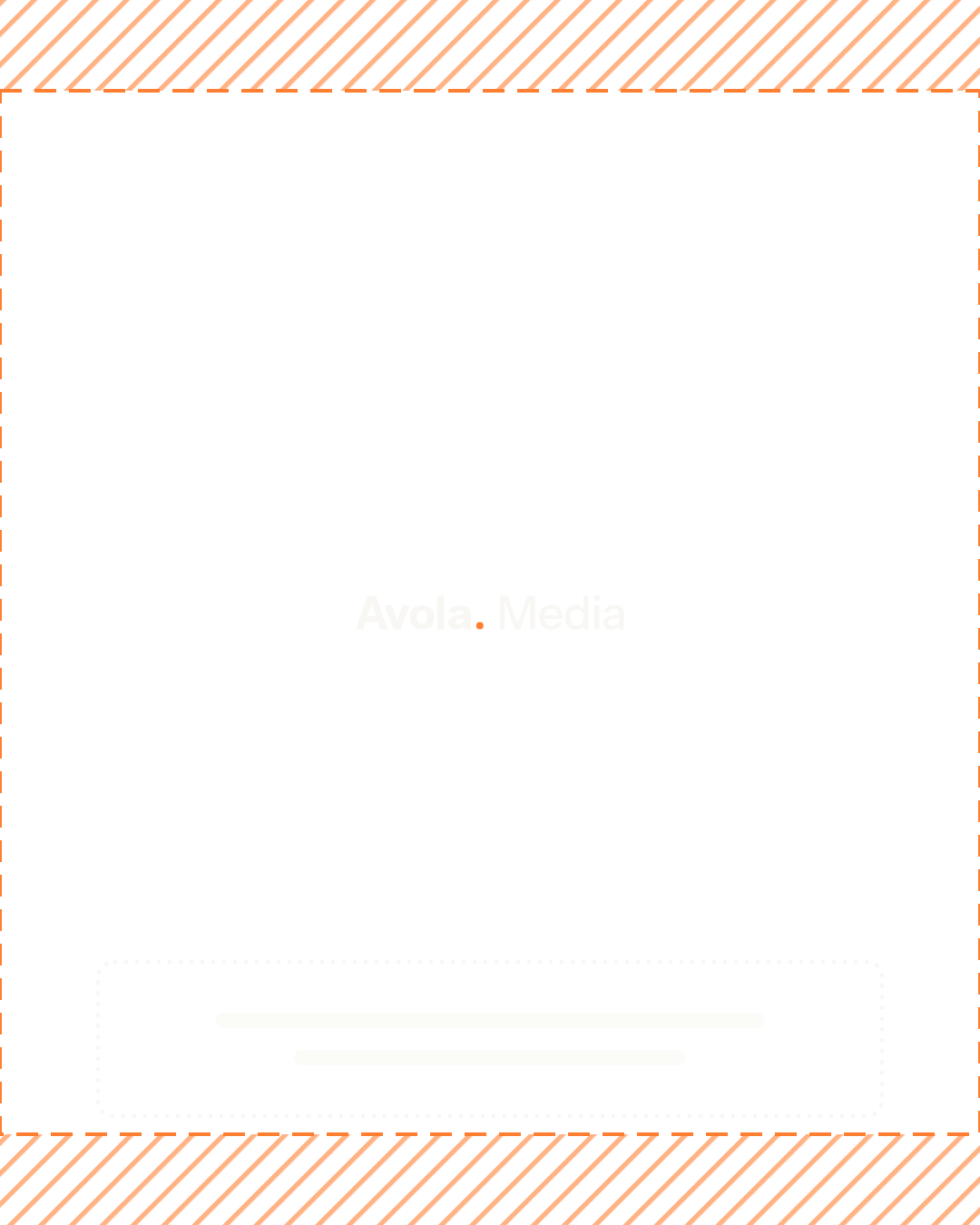
4:5
1080 × 1350 pixels
- Recommended
- 1080 × 1350 pixels
- Minimum
- Not published
- Frame rate
- 25 frames per second
- Subtitles
- As a file, shown by the platform
- Safe zone
- About 1080 × 1150 pixels
- File size
- Up to 5 gigabytes
LinkedIn shows the subtitles at the bottom center.
On mobile, LinkedIn also places the profile and reactions over the video, so keep text about 100 pixels from the top and bottom.
Thumbnail
4:5, 1080 × 1350 pixels
- Recommended
- 1080 × 1350 pixels
- Minimum
- Not published
- File size
- Up to 2 megabytes, JPG or PNG
Make it the same format as the video. It matters most on profiles and pages, where video does not start by itself.

Use the arrow keys to switch format.